
Astute Beta App Installation Problem Solution — Complete Guide
Many players face issues while installing the astute beta app on Android. The app does not install, shows errors, or crashes after setup. These problems confuse new users, especially those who want early access to Free Fire updates. This guide explains every common installation issue and gives simple solutions you can follow step by step.
Why Astute Beta App Installation Fails
Several reasons can stop the installation process:
- Your device blocks apps from unknown sources
- The APK file downloads incorrectly
- Your phone lacks storage space
- The Android version does not support the app
- The OBB file goes to the wrong folder
When you understand the cause, you can fix the issue quickly.
Fix 1: Enable Unknown Sources
The astute beta server free fire APK does not install from the Play Store. Android blocks such apps by default.
Steps:
- Open Settings
- Go to Security
- Turn on Install Unknown Apps or Unknown Sources
- Allow permission for your browser or file manager
After enabling this option, try installing the APK again.
Fix 2: Check Storage Space
Low storage can stop installation.
What to do:
- Delete unused apps
- Clear cache files
- Remove old downloads
- Keep at least 1–2 GB free space
Then reinstall the app.
Fix 3: Download the APK Again
Sometimes the file gets corrupted during download.
Solution:
- Delete the old APK
- Visit the official website
- Download the latest astute beta server version
- Install the fresh file
Always download from a trusted source to avoid errors.
Fix 4: Android Version Compatibility
The astute beta app works best on updated Android devices.
Check this:
- Open Settings > About Phone
- Check your Android version
- Update your system if available
Old Android versions may show “App Not Installed” errors.
Fix 5: Correct OBB File Installation
If the app installs but does not open, the OBB file may be missing.
Correct Folder Path:
Android → OBB → FreeFireMax
Use a file manager to place the OBB file correctly. If you use ZArchiver, extract the file directly into the correct folder.
Fix 6: Clear Google Play Protect Warning
Sometimes Play Protect blocks the app.
To fix:
- Open Google Play Store
- Tap Profile → Play Protect
- Turn off Scan Apps (temporarily)
- Install the app
Turn protection back on after installation.
Fix 7: Fix “Parse Error” Problem
If you see a parse error:
- Re-download the APK
- Make sure your Android version supports the file
- Clear your file manager cache
- Restart your device
Then install again.
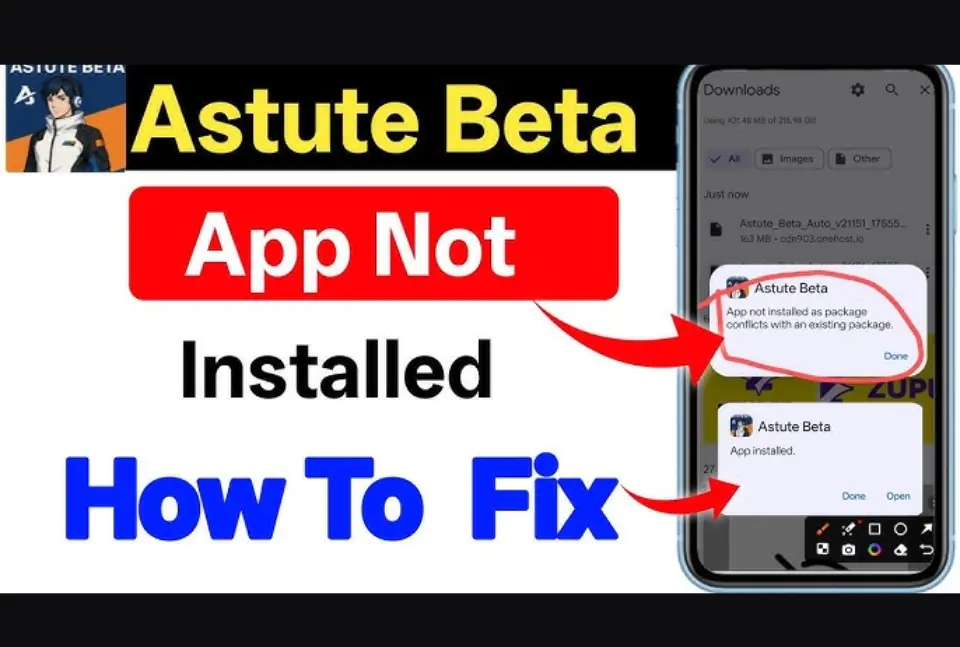
Fix 8: Fix “App Not Installed” Error
This error appears when:
- You install an older version over a newer one
- The package name conflicts
- Storage space runs low
Uninstall the old version first. Restart your phone. Install the latest astute beta server free fire APK again.
Extra Tips for Smooth Installation
- Always download the latest version
- Use a stable internet connection
- Restart your phone before installing
- Avoid installing multiple beta APKs at once
These small steps reduce errors and improve success rate.
Frequently Asked Questions (FAQs)
1. Why is the Astute Beta app not installing on my phone?
The app may fail due to low storage, disabled unknown sources, corrupted APK files, or an outdated Android version. Check these settings and reinstall the latest version.
2. How do I fix the “App Not Installed” error?
Uninstall any older version of the astute beta server free fire app, clear storage space, restart your device, and install the newest APK file again.
3. Where should I place the OBB file?
Move or extract the OBB file to:
Android → OBB → FreeFireMax folder
Incorrect placement can stop the app from opening properly.
4. Is Astute Beta Server safe to install?
Yes, if you download it from the official website and follow proper installation steps. Always scan the file and avoid unknown sources.
5. Why does my phone show a parse error?
A parse error usually appears when the APK file is incomplete or your Android version does not support it. Re-download the file and update your system.
6. Do I need to root my phone to install Astute Beta?
No. You do not need root access. Just enable “Install Unknown Apps” from settings and install the APK normally.
7. Can low internet speed cause installation problems?
Yes. A weak connection can corrupt the APK file. Use stable internet when downloading the app.
Final Words
Astute Beta App installation problems look serious, but you can fix them easily when you follow the right steps. Most issues happen due to storage limits, wrong permissions, or corrupted files. Once you fix these points, you can enjoy early access to new Free Fire features without delay.
If the problem continues, delete everything and install fresh files from the official source. Stay updated and test new content without interruption.
